PROMPT.STUDIO
中文
Photo Prompt Studio

Create visual magic with a single prompt

Gemini AI Photo Prompt Studio is an independent prompt library and AI generator for GPT/Gemini-compatible image workflows.

Browse top categories

Browse curated image prompts for GPT/Gemini-compatible workflows, collected from creator communities.

View all

Popular tags

Jump into the strongest visual directions and recurring motifs.

8

Latest prompts

Curated image prompts collected from creator posts.
Gemini AI Photo Prompt Guide

Gemini AI Photo Prompt tips for writing clearer, better image instructions

A strong Gemini AI Photo Prompt helps you decide what to write first, what to write next, and how to make prompts clearer so AI can create high-quality images that satisfy users.

Gemini AI Photo Prompt
how to write Gemini AI Photo Prompt
Gemini AI Photo Prompt formula
AI image prompt
prompt structure
subject and scene prompt
Gemini AI Photo Prompt tips
Gemini AI Photo Prompt examples

How to write a strong Gemini AI Photo Prompt

Start with a clear subject
Name the person, product, animal, or object first so the Gemini AI Photo Prompt tells the model what the final image is really about.
Add a specific scene
Describe the setting or background with one clear idea, so the prompt creates a coherent scene instead of random visual clutter.
Match style and lighting
Use style and lighting words that support the same result, such as editorial portrait, studio photo, soft window light, or golden hour.
Finish with useful constraints
Close with the details that matter most, like sharp focus, clean hands, natural expression, or a simple background.
Gemini AI Photo Prompt formula
Subject

Start with the main subject: founder portrait, fashion model, skincare bottle, family group, or traveler.

Scene

Add one specific setting: clean studio, cafe table, city street, office desk, or outdoor location.

Style

Define the look: editorial photo, product shot, lifestyle image, cinematic frame, or minimalist composition.

Lighting

Guide the lighting: soft window light, studio key light, dramatic shadow, flash look, or warm sunset light.

Key details

Add the details that matter: sharp focus, natural skin, clean background, fabric texture, product reflection, or color mood.

Guardrails

Tell the model what to avoid: messy background, extra fingers, warped shape, bad framing, or low quality image noise.

How to keep every Gemini AI Photo Prompt useful
Start the Gemini AI Photo Prompt with the subject instead of a pile of random adjectives.
Use one clear scene idea instead of mixing several different backgrounds.
Keep style and lighting consistent with the image you actually want.
Add only the details that improve the result, not every keyword you can think of.
Revise one part of the Gemini AI Photo Prompt at a time: subject, scene, style, or lighting.
Save the prompt structure that works so the next Gemini AI Photo Prompt is faster to write.

Quick Gemini AI Photo Prompt examples

Portrait
Gemini AI Photo Prompt for a profile image
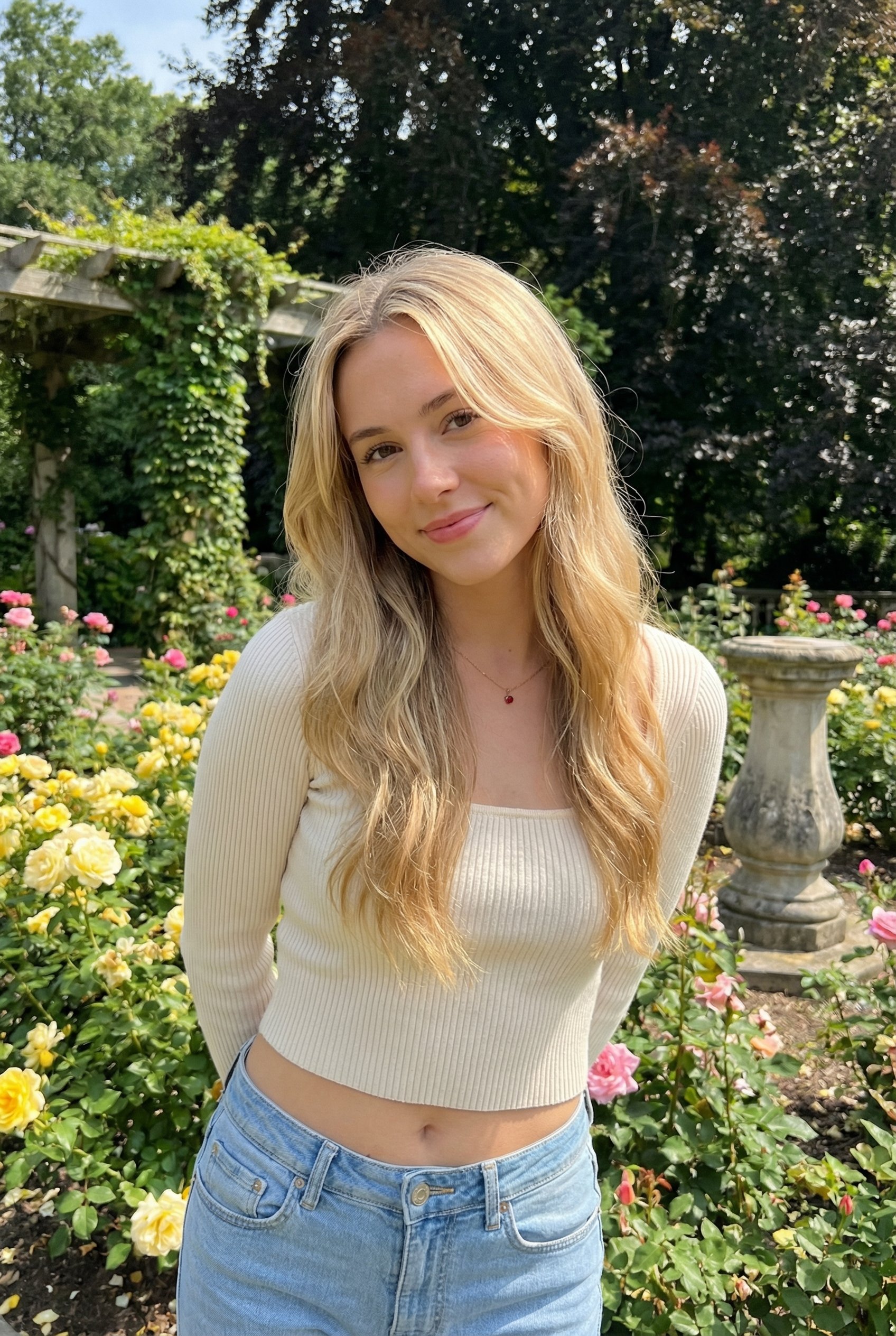
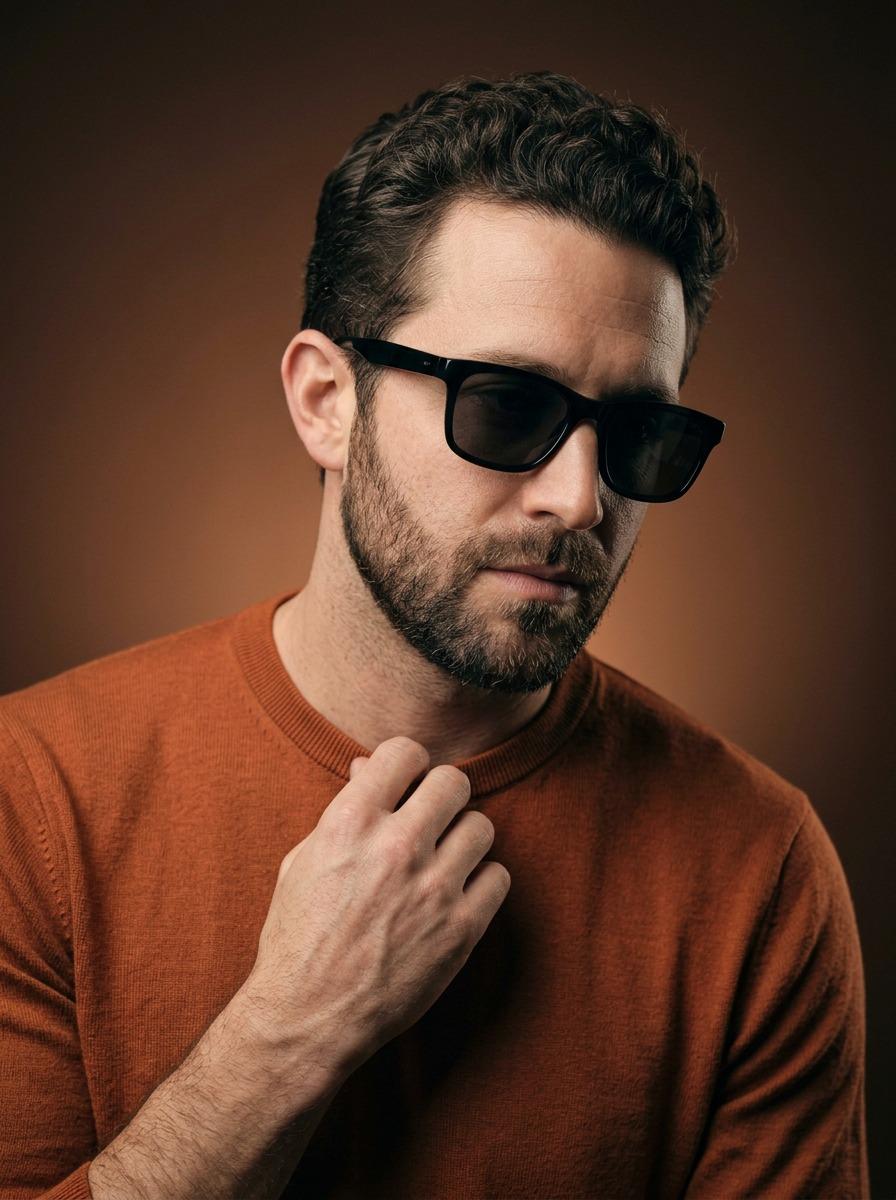
Professional female founder, clean studio background, soft key light, natural skin texture, sharp eyes, confident expression.
Product
Gemini AI Photo Prompt for a product photo
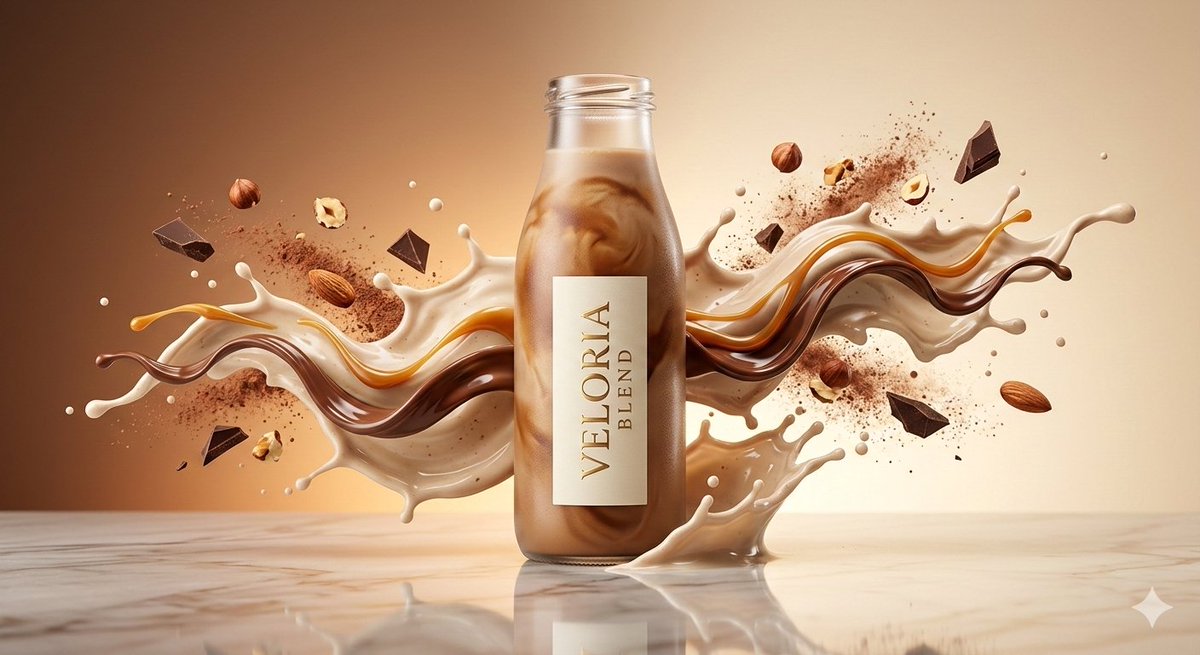
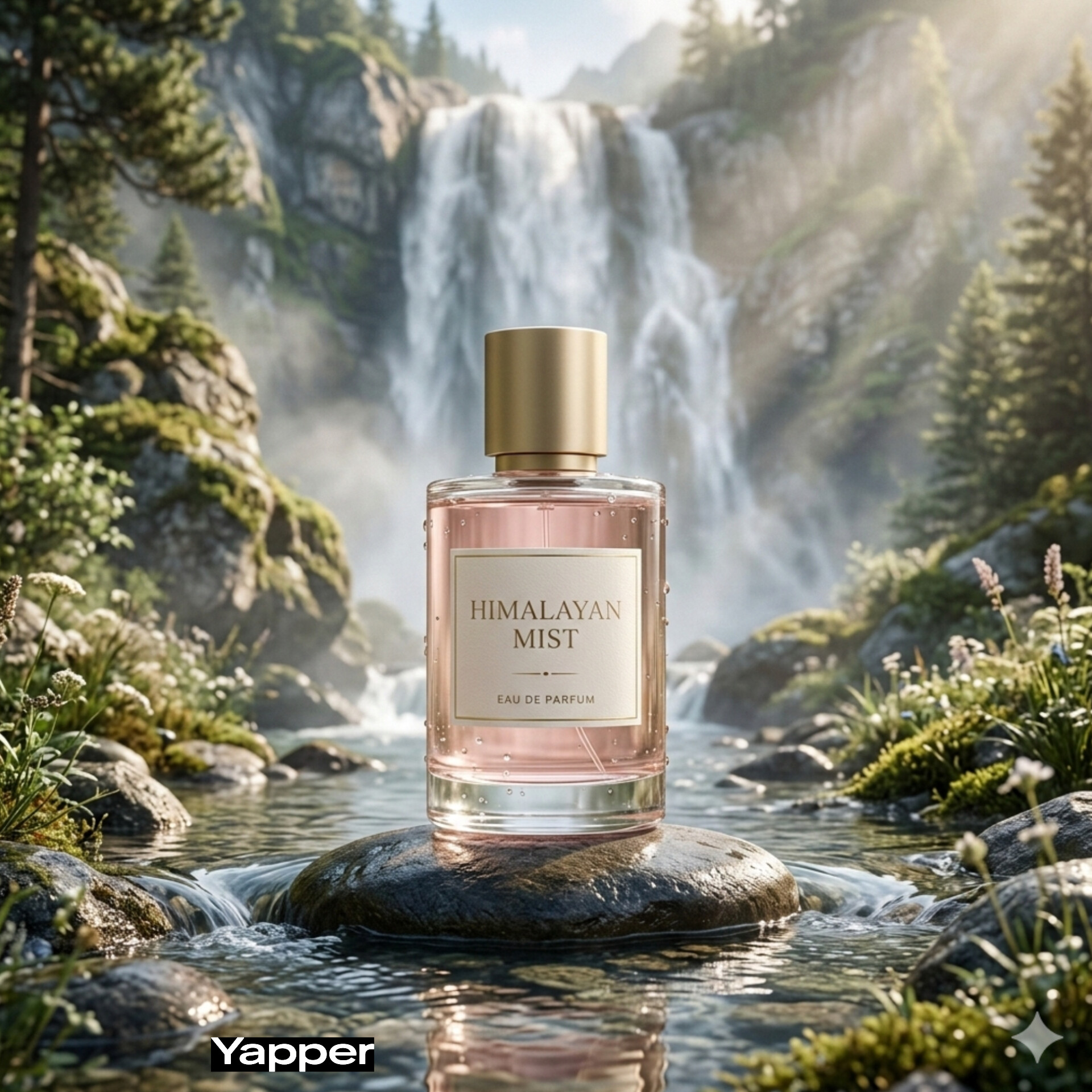
Luxury skincare bottle on stone surface, soft background blur, clean lighting, subtle reflection, detailed packaging texture.
Lifestyle
Gemini AI Photo Prompt for an outdoor photo
Young traveler crossing a rainy street, neon reflections, cinematic framing, natural motion, detailed night atmosphere.
Editing
Gemini AI Photo Prompt for subject and background cleanup
Keep the subject clear, simplify the background, improve lighting, remove distractions, and preserve the original mood.

Gemini AI Photo Prompt FAQ